Word morphs, rich text and code focus
The brief. Morph one word into another, mix styles in one line, and move a focus through highlighted code.
Open in the playground Source on GitHub
What it uses
The code
examples/src/typography.rs in oxframe-sdk, for oxframe 0.20.2. In the
playground it compiles in the browser and you can change it.
//! Text beyond plain strings: glyph morphing between words, rich spans and
//! code with syntax highlighting and a moving focus.

use oxframe::prelude::*;

#[oxframe::scene]
pub async fn typography(view: View) {
    // Letters shared by both words travel; the rest fade.
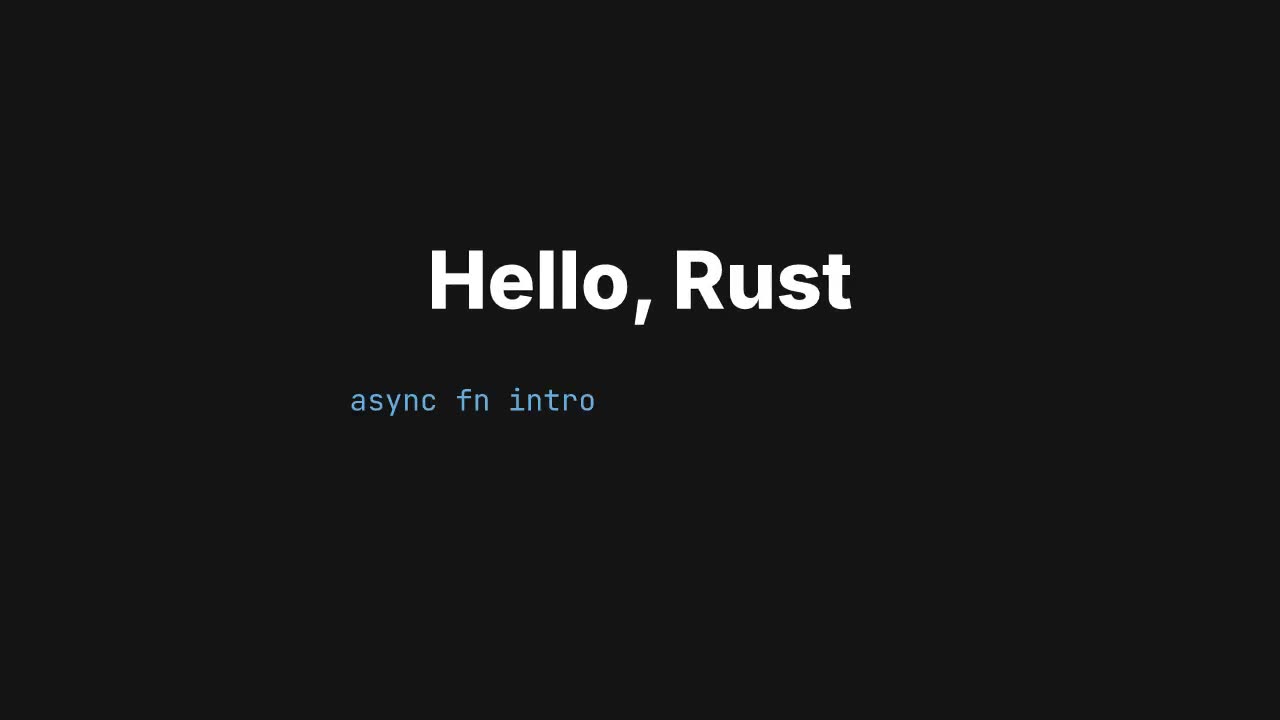
    let word = view.add(
        Txt::new()
            .text("oxframe")
            .font_size(140.0)
            .weight(800.0)
            .y(-300.0),
    );
    wait_for(0.4).await;
    word.morph_to("frame", 1.0).await;
    word.morph_to("flame", 1.0).await;

    let line = view.add(
        Txt::new()
            .y(-150.0)
            .font_size(44.0)
            .rich([
                span("Signals are "),
                span("lazy").bold().color(color!("#f5c242")),
                span(", tweens are "),
                span("futures").italic().color(color!("#68abdf")),
            ])
            .end(0.0),
    );
    line.end().to(1.0, 1.0).ease(presets::LINEAR).await;

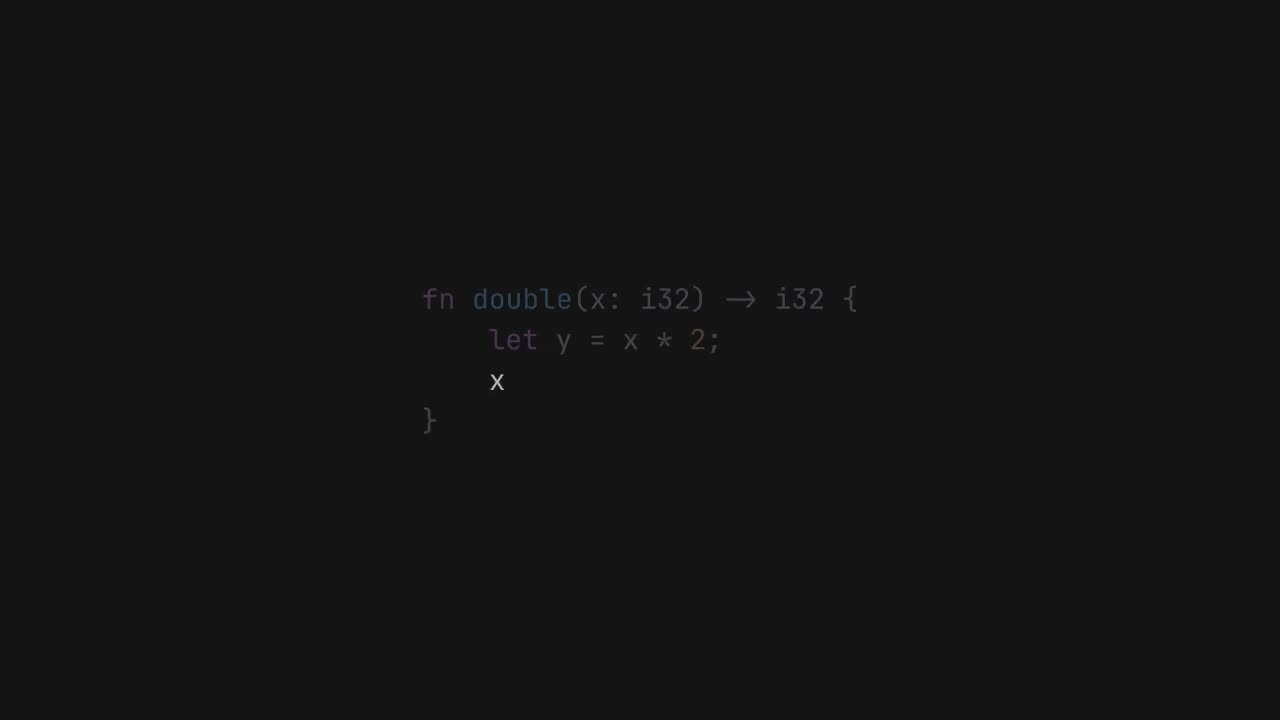
    let code = view.add(
        Code::new()
            .y(150.0)
            .font_size(30.0)
            .focus(1, 1)
            .code(
                "use oxframe::prelude::*;\n\
                 \n\
                 #[oxframe::scene]\n\
                 async fn intro(view: View) {\n\
                 \x20   let r = view.add(Rect::new().size(200.0));\n\
                 \x20   r.x().to(300.0, 1.0).await; // 1 s\n\
                 }",
            )
            .opacity(0.0),
    );
    code.opacity().to(1.0, 0.5).await;
    // Walk the focus through the code.
    for (a, b) in [(3, 4), (5, 5), (6, 6), (0, 0)] {
        wait_for(0.6).await;
        code.focus_lines(a, b, 0.4).await;
    }
    wait_for(0.8).await;
}

pub fn project() -> Project {
    Project::new("typography").scene(typography())
}